People and projects
Set up a clinic or a study, invite your team, and connect each clinician with the patients they support.
MotionCommons is one home for movement care and research. Record a session, replay it in 3D, measure what changed and share the result with your team and your patient.
The 3D view loads as you scroll.
Strides generated by GaitEncoder (Magruder, Gilon, Falisse and Uhlrich, bioRxiv 2026) through its Hugging Face demo: the post-stroke mean, two points on the line from the unimpaired mean through it (one past it, one short of it), then the unimpaired mean. Each repeats, then blends into the next. DMU is the demo’s distance from mean unimpaired; higher is further from typical walking.
Lai–Uhlrich 2022 skeleton. An illustration, not a recording or a measurement.
One home for everyone working on the same movement.
From video to answers
Each session becomes something you can replay, measure and act on, without moving files between tools.
Capture movement with phone cameras, or bring in recordings from a lab or a device.
Watch the videos beside a 3D replay from any angle, and mark the moments that matter.
Read joint angles and movement metrics with their units, and compare sessions over time.
Share a report, adjust the plan and stay in touch until the next visit.
3D replay and reports
Videos, a 3D replay and the measurements stay in step on one screen. Add notes on the timeline, then turn what you found into a report your team can open.
Knee flexion
52.7°
Repetition 1 of 3
Skeleton figure: Lai–Uhlrich 2022 model (Rajagopal et al. 2016; Lai et al. 2017; Uhlrich et al. 2022), posed by its own knee kinematics. An illustration, not a measurement.
One home for the work
People, sessions, plans and results live in one workspace, and each person sees only what they are allowed to see.
Open your workspaceAccount and study permissions required. Workspace features are part of the development preview.
Set up a clinic or a study, invite your team, and connect each clinician with the patients they support.
Recordings, notes, measurements and analysis history stay with the session they came from.
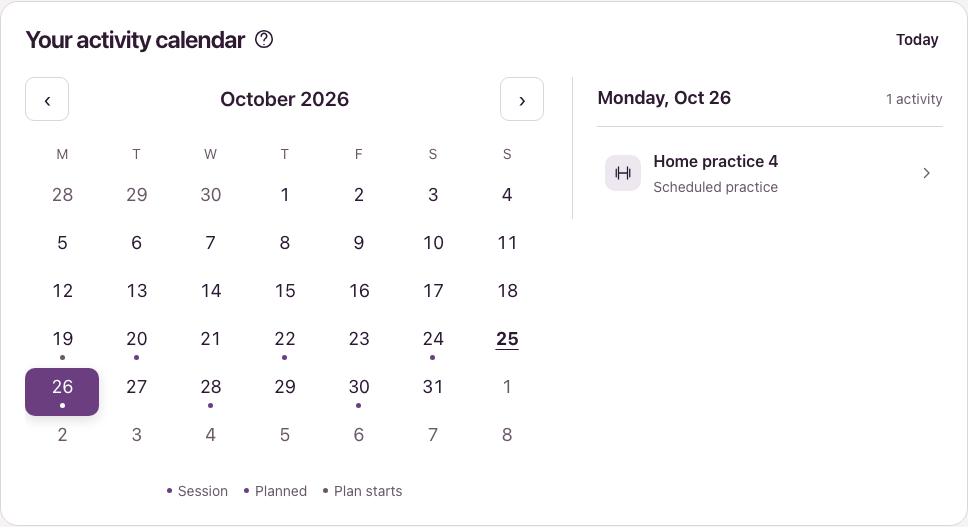
Build exercise plans and protocols, assign them, and keep appointments on one calendar.
Turn results into a view each researcher, clinician or patient is allowed to see.
Use private in-app conversations for follow-up. Configured workspaces also support video calls with shared motion views.
An assistant that knows the session
Ask the built-in Assistant to place a marker, change a view or draft a dashboard. It shows you what it will change, and nothing happens until you confirm.
Availability depends on how your workspace is configured. The Assistant edits views and drafts; it does not interpret results or give clinical advice.
More on the AssistantHome practice and calls
Patients open their own program at home: what to do today, how to do it, and how to reach the people helping them.
What appears depends on the patient’s assigned program and access. Practice completion is separate from measured movement outcomes.
More on home practice and calls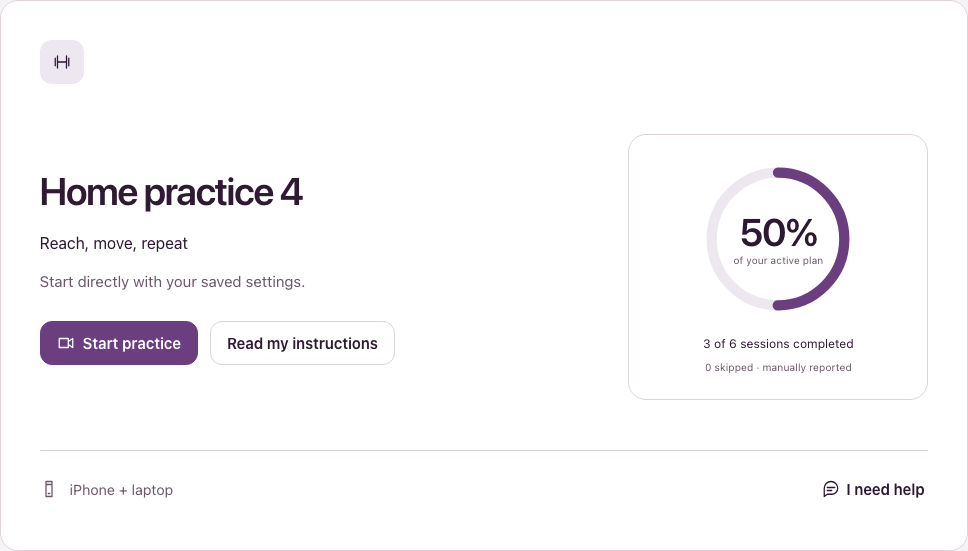
Build your own
Build dashboards, add your own measurements and package a workflow your team can open. Start from working examples and synthetic data.
Explore what you can buildArrange charts, measurements and supporting evidence into useful reports.
Define a metric once and reuse it across sessions and studies.
Reuse published dashboards and shared analysis definitions across your team.
Sign in to see the organizations, projects and records available to your account.
The workspace is available as a development preview. Features depend on your permissions and configured services; clinical validation and deployment review are separate.